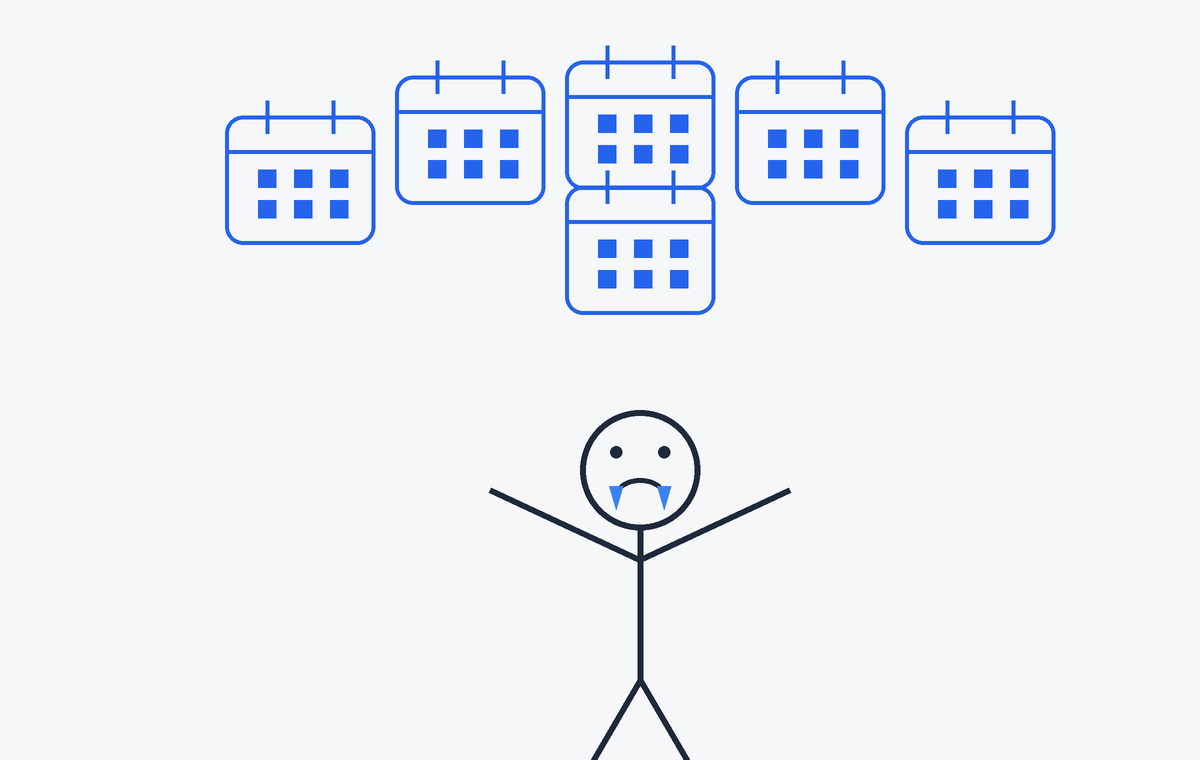
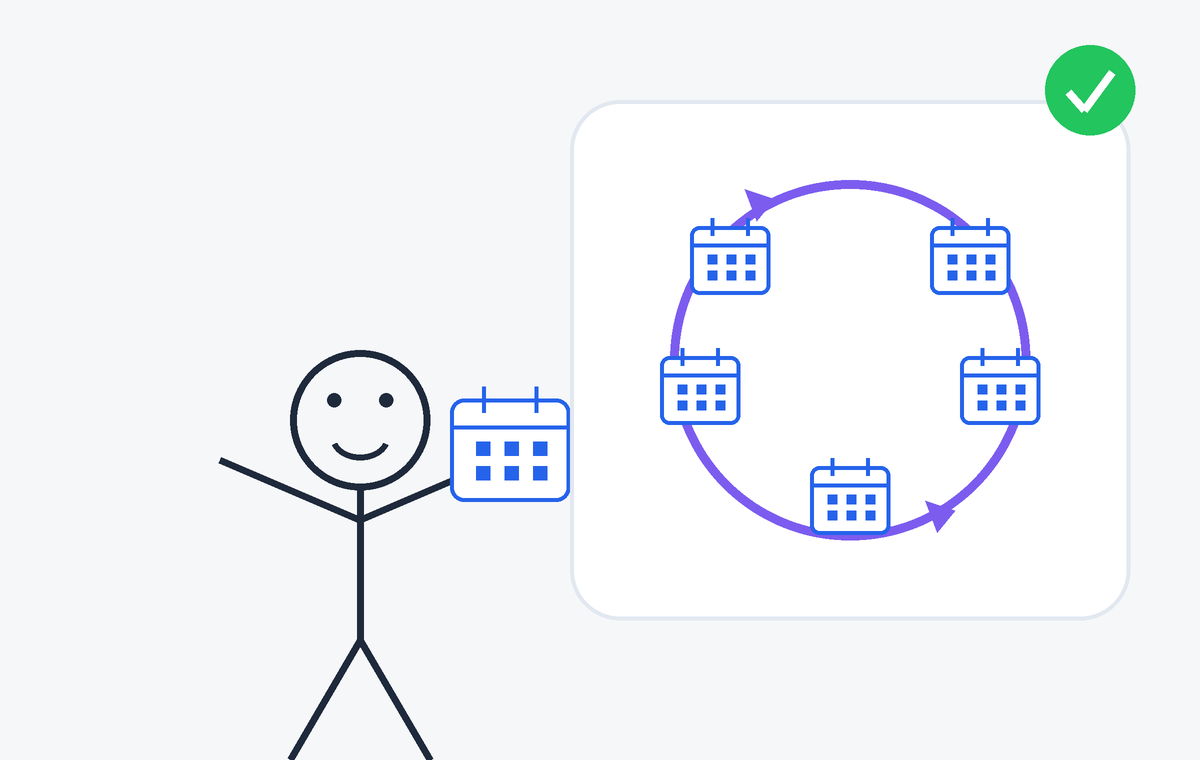
When you use multiple Google Calendar accounts, your availability gets fragmented. People trying to book time with you only see one calendar — and end up scheduling over conflicts they can't see. Calendar Sync keeps your calendars in sync automatically, so your availability is always accurate and up to date.
One flat price. Every feature included. No limits, no add-ons, no upsells.
+ VAT where applicable
The lowest price around. Simple monthly billing — cancel anytime.
Connect as many calendars and create as many sync rules as you need. No caps.
Every feature is included from day one. No locked tiers, no premium plan.
Free for 14 days, then just $0.99/month. No card required to start.
Sign in with Google and link the calendar accounts you want to keep in sync.
Choose which calendars to sync and in which direction — one-way or bidirectional.
Events sync automatically in the background. Anyone booking time with you sees your real availability.
Calendar Sync reads events from your source calendars and creates corresponding events in your destination calendars to keep them in sync. We never share your calendar data with third parties.
You can disconnect your accounts and delete your data at any time from your account settings. For full details, see our Privacy Policy.